Offline · On-device AI · No watermark
Make your videos look amazing, right on your phone.
Reelo is a real video editor that fits in your pocket — cut, caption, remove backgrounds and colour-grade without ever uploading your footage. Plus a store of effects, transitions and templates you add with one tap.
Nothing uploaded
No sign-up
Runs on 4GB phones
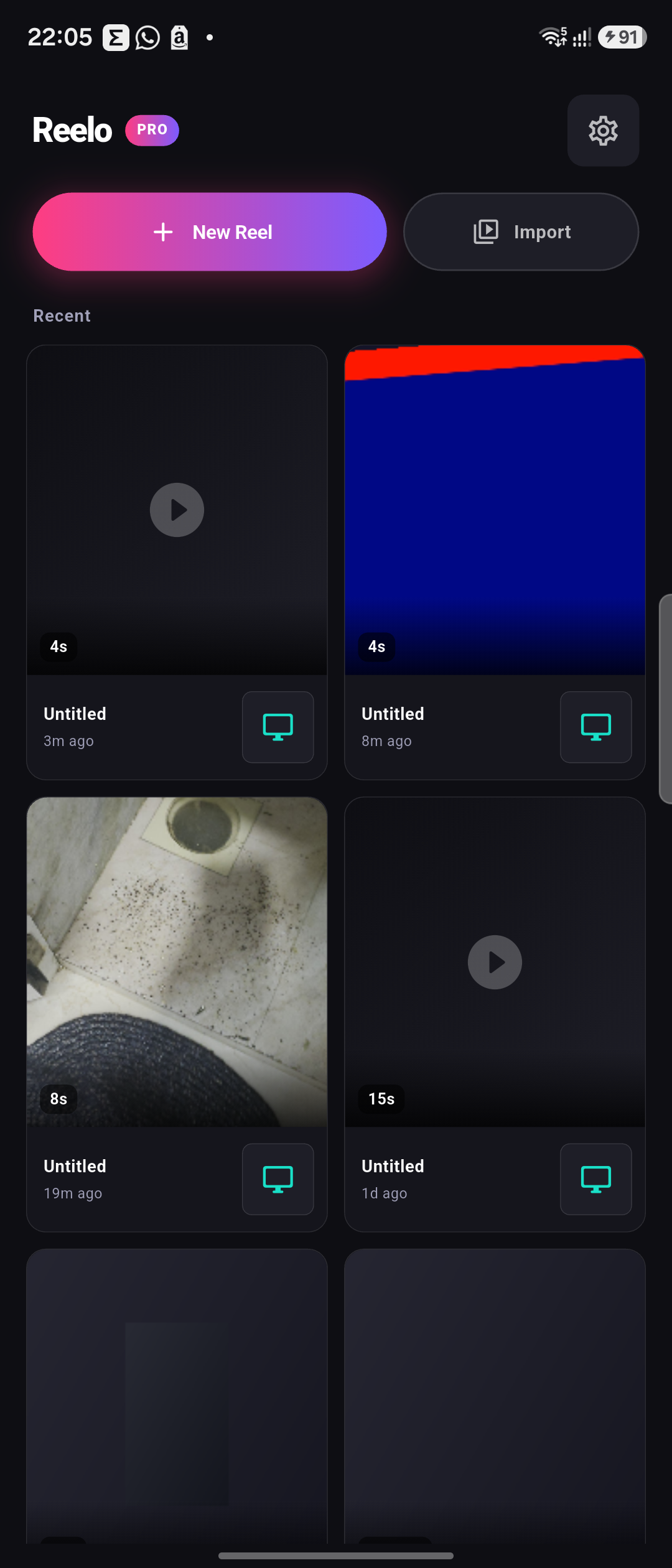
On-device AIcaptions · cutout
0Watermark
100%On-device AI
4GBRAM ready
4KExport
$0Forever free
The Reelo Store
A library of looks that keeps growing.
Five effects, five transitions and five templates come built in — and there's a growing collection you download only when you want it, so the app stays light. Tap Download and it's ready in seconds.
Get
Cyberpunk Neon
Effect · ReeloVintage Film
Effect · ReeloCold Cinematic
Effect · ReeloVivid Pop
Effect · ReeloGlitch
Transition · ReeloZoom Blur
Transition · ReeloLiquid Swipe
Transition · ReeloLight Leak
Transition · ReeloFilm Burn
Transition · ReeloGRWM
Template · ReeloProduct Drop
Template · ReeloTravel Montage
Template · ReeloMeme Zoom
Template · ReeloPodcast Clip
Template · ReeloMade something great? Share it.
Design a transition, effect or template in Reelo's Template Designer and send it here — once it's approved, every Reelo creator can download it. The store grows without anyone having to build it all.
Real screens. Real phone. No mockup magic.
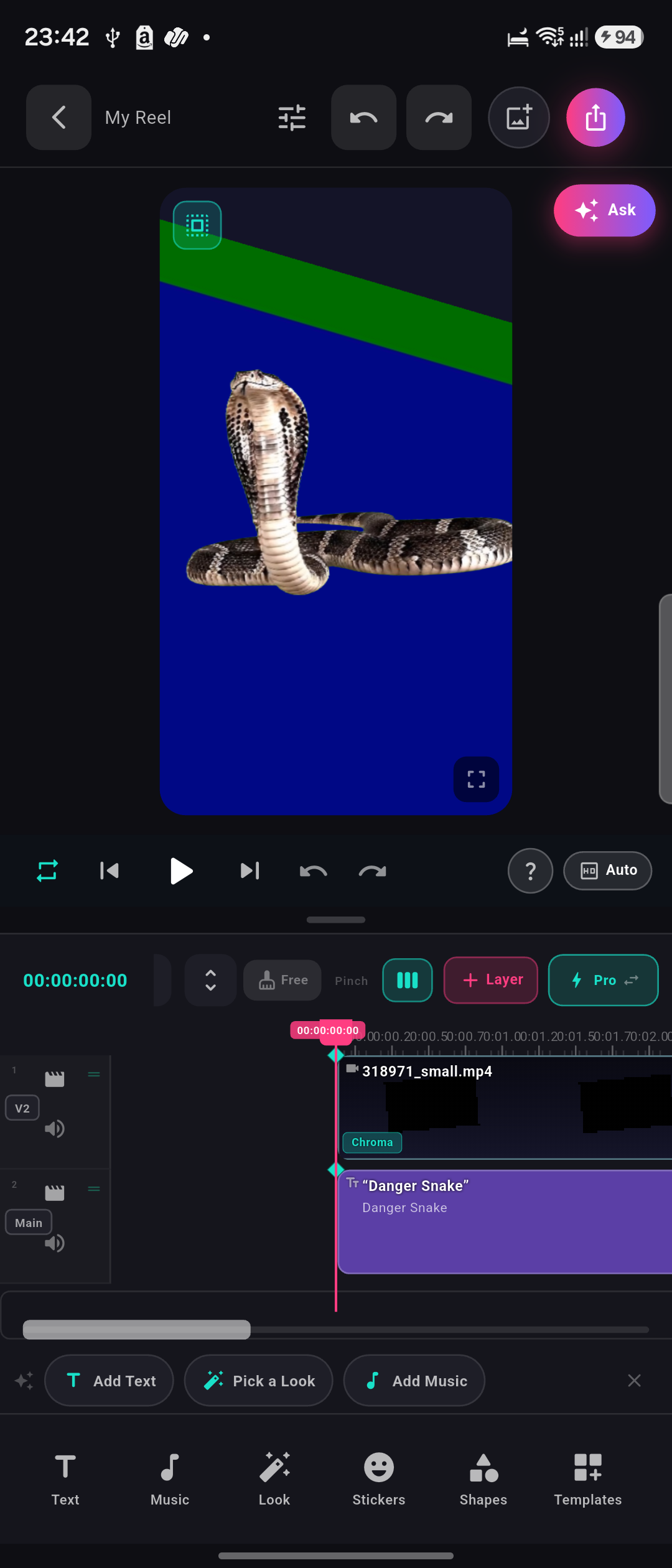
A full multi-layer timeline, rich text, one-tap looks and chroma compositing — all running on a phone, captured straight from the app.
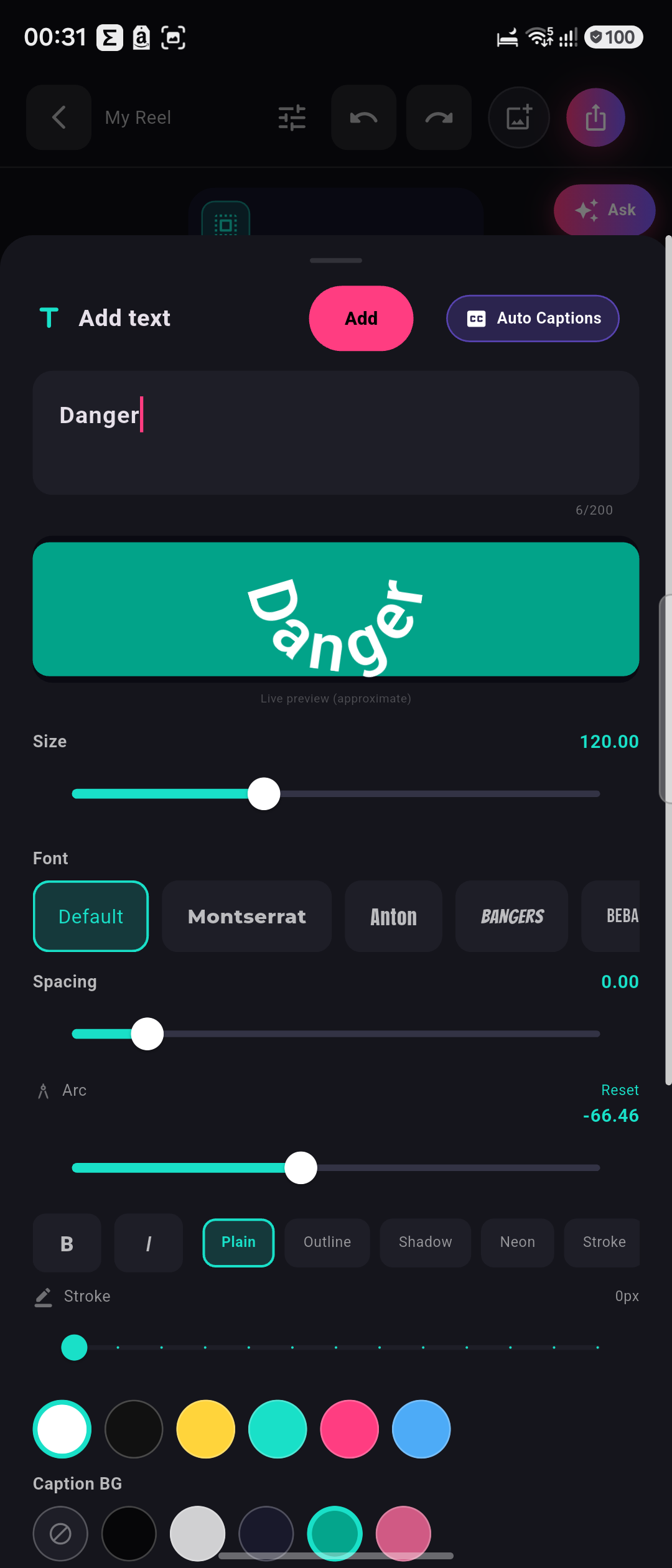
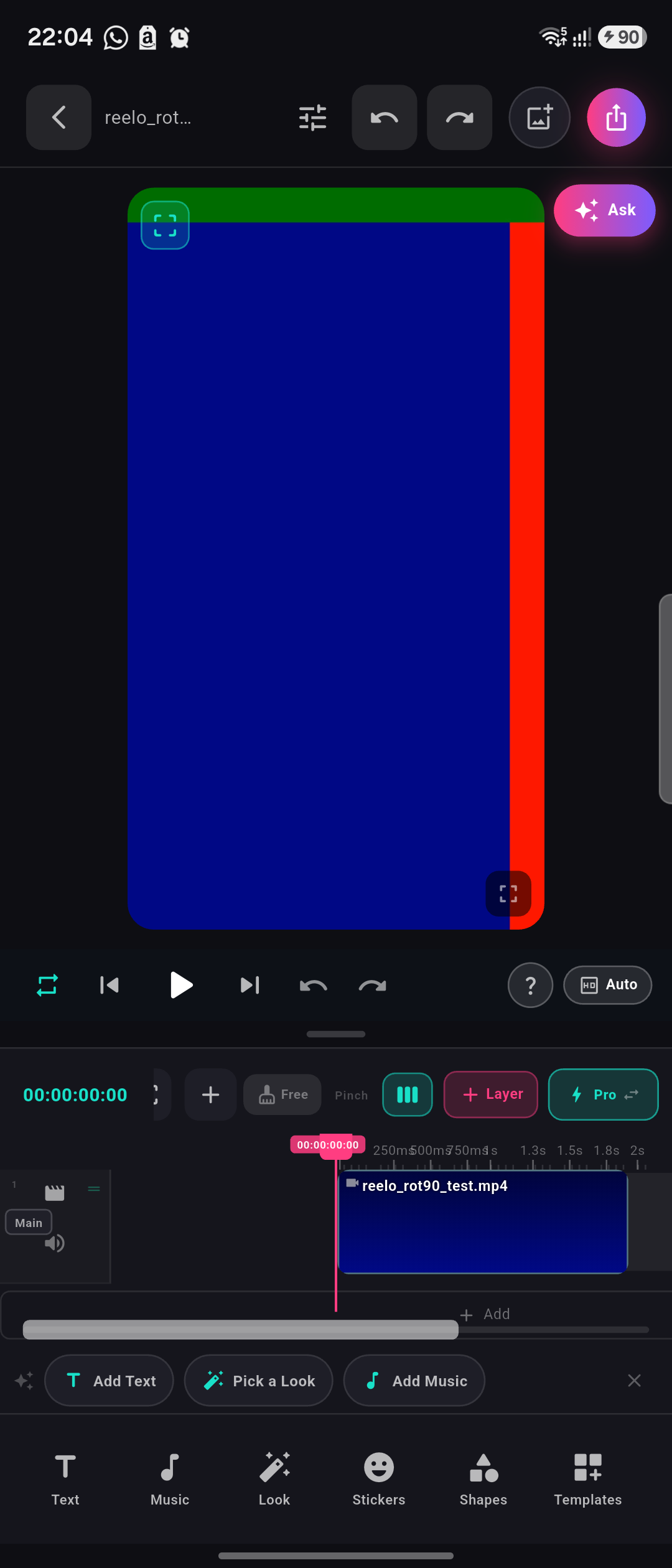
Everything a pro editor has
Desktop-grade power. Nothing uploaded.
The tools colourists and editors actually reach for — under a clean, thumb-friendly layout, with the AI running on your phone instead of someone's cloud.
A real multi-layer timeline
Stack video, text, music and effects like the pros — frame-accurate trims, ripple edits, blade cuts and keyframes. Preview equals export, exactly.
Auto-captions, incl. Hindi
Turn speech into styled captions on-device — Hindi and other Indic languages included.
AI background removal
Cut out the background with on-device AI — no green screen, no internet, nothing uploaded.
Pro colour grading
Curves, HSL, colour wheels and LUT import — the real colourist toolkit.
Looks, effects & transitions
One-tap GPU looks in real time — plus a store that keeps growing.
Up to 4K, zero watermark
Export clean H.264 or H.265 up to 4K — no Reelo logo, no forced branding, ever. What you see in preview is exactly what renders.
Built for real phones
Smooth on 4GB Android where other editors stutter or crash — a Rust + GPU engine engineered for India & SEA, not just flagships.
You own your videos. Reelo claims no rights to your content and never uploads it — editing, AI and export all happen on your phone.
Edit on phone · Render on PC
Let your computer do the heavy lifting.
Cut on the couch, then hand the export to your PC — it renders automatically and matches your phone preview pixel for pixel. Reelo's signature workflow.
1 · Edit on your phone
Build the whole reel on mobile — timeline, captions, effects and all.
2 · Send to PC
One tap over Wi-Fi, Nearby or the relay — no cables, no cloud upload of your footage.
3 · Render, done
Your PC exports up to 4K in the background — identical to what you saw on your phone.
Download and start creating.
Grab the Android app now, or get notified for iOS, Mac and Windows — one engine, every platform.
The .apk installs directly on Android (allow "install from this source" when prompted). Google Play & App Store listings are on the way.
Frequently asked questions
Is Reelo free? Is there a watermark?
Reelo is free and puts no watermark on your exports — ever.
How does the store work?
Five effects, five transitions and five templates come built in. The rest live here on the website — tap Download in the app and the item is added instantly. The app stays small because you only download what you use.
Can I add my own effects or templates?
Yes. Build one in Reelo's Template Designer, export it, and submit it to the store. Once approved, everyone can download it.
Does it work offline?
Yes — editing, AI background removal and captions all run on your device with no internet. (Downloading new store items needs a connection, once.)
Will it run on my phone?
Reelo is optimised for 4GB Android devices — it stays smooth where heavier editors crash.
Do I need an account?
No sign-up, no login. Your projects stay on your device. See our Privacy Policy.
More questions? Head to Support.